
Troubleshooting 101: How to Fix Ceiling Fan Remote Controls
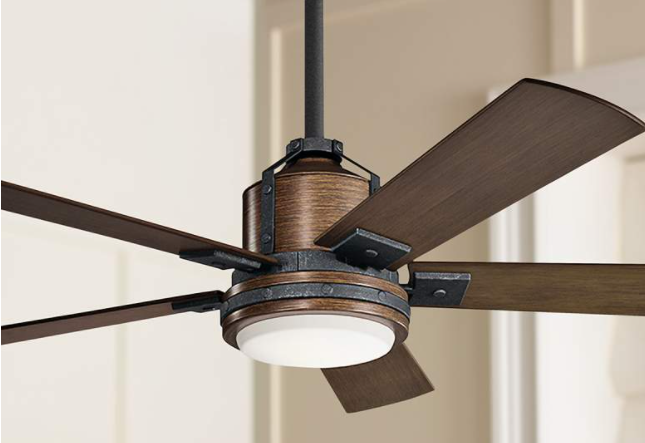
We are familiar with the frustration that accompanies technology no longer working when it functioned just fine the day before. As ceiling fan technology has advanced, so have the controls and operation of those fans. Most ceiling fans now rely on dedicated remote controls. Even fans that use wall controls are often utilizing remote controls with a bracket that be easily installed on your wall.
This troubleshooting article is here to help diagnose the issue when your ceiling fan remote control stops working, and fix it quickly without the need for a call to Customer Service or tech support. When your ceiling fan remote control stops working after having been working previously, there are typically three culprits: drained batteries, power not flowing from the circuit breaker to the ceiling fan, or an issue with the communication between the remote and the fan itself.
The first step to diagnosing the problem is to ensure that any wall switches connected to the fan are in the on position. Next, check the circuit breaker to look for a tripped switch. Then, open up the battery compartment on the remote control. Make sure the batteries are fresh and are inserted the correct way. If not, replace them with new batteries. If your remote includes an indicator light, it should be lighting up to show there is power.
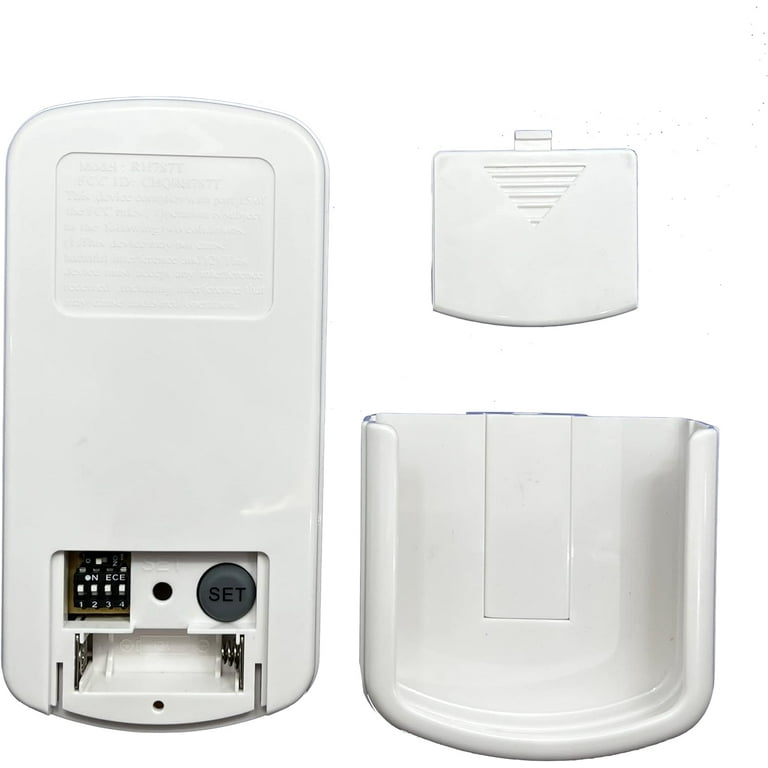
If checking the batteries and the circuit breaker do not fix the issue, then a lack of power is not the problem here. The next step is to make sure your remote control is communication properly with the ceiling fan. To begin, turn off the power to the fan using either the wall switch or the circuit breaker for at least 30 seconds, then turn the power back on. Next, locate the “syn”, “learn”, or “pair button on your remote control. It may be inside the battery compartment itself. If this button is not present on your remote, instead push the high speed and low speed buttons at the same time. In either can, press the button or buttons once and do not hold it down. If your remote has a light on it, it should blink to confirm communication between the remote and the ceiling fan has been restored. Otherwise, the fan may turn at a low speed to confirm the sync has worked.
If following these steps does not fix the issue with your remote control, the Customer Service and tech support teams at Lamps Plus will be happy to investigate and work with you to solve the problem.