
Troubleshooting 101: How to Sync Ceiling Fan Remote Controls
Many ceiling fans now either come with a remote control, or are able to connect to a remote control. But what if you want to install multiple ceiling fans in your home, or even two in the same room, given the space? Each ceiling fan should be connected to a dedicated remote control to ensure they can be used independently, saving on energy costs and ensuring you have full control over your ceiling fan’s operation.
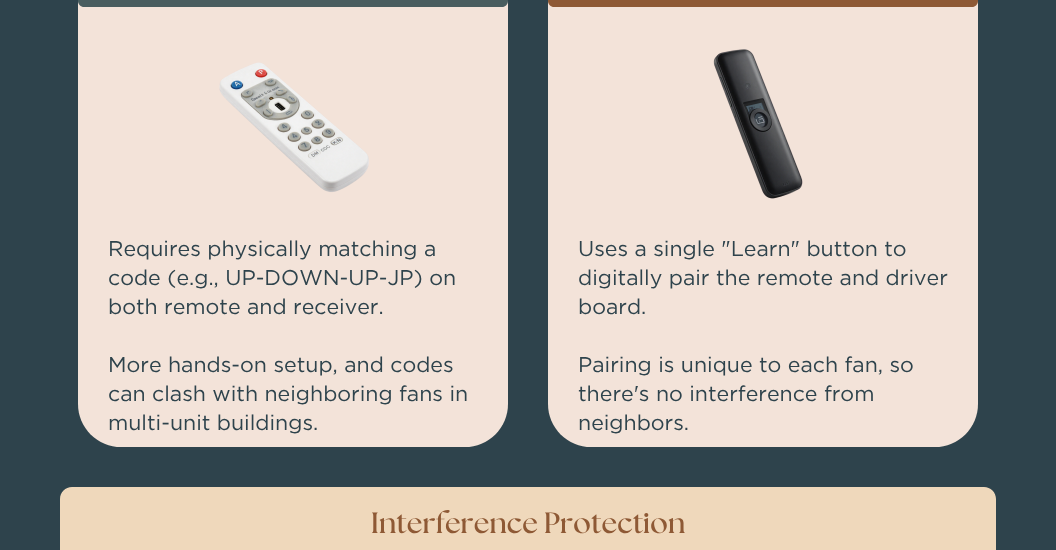
But what if you find yourself in a situation with multiple fans connected to a simple remote? This troubleshoot article will walk you through the steps to sync and pair each remote separately to your ceiling fans. As most modern ceiling fans use DC motors, this article focuses on the remote control pairing steps for DC fan motors. AC motors usually require a more complicated process involving matching a pin or code.

First, make sure to turn off all power to the ceiling fans you’d like to pair to dedicated remote controls. Just turning off the power from the remote itself; if the ceiling fan is connected to a regular wall switch, flip that to the off position, otherwise shut off the power to the fan from your circuit breaker. If all of your ceiling fans are connected to separate wall switches, you can leave the power on for the first one you’d like to pair.
To start, re-introduce power to the first fan you’d like to sync to a dedicated remote control. The remote control will have a special pairing button present, which is usually labeled “set”, “sync”, “learn,” or sometimes just “off”. After switching power back on to the ceiling fan, press and hold that button. To ensure this process works effectively, try to press and hold the sync button within 30 seconds of switching power back on to your fan. After holding down the button, you should receive some sort of confirmation signal. It could be a light flashing on the remote, the fan beeping, or even the blades on the fan moving slightly. Once you see that signal, it means the fan has been successfully paired to the remote.
Once the first fan is set up, you must complete the process for every other fan. Begin by switching the power off again for the paired ceiling fan, and switching power back on for the next fan you’d like to pair to a remote. Repeat these steps until every fan is paired to its own dedicated remote!